![CoMetrics_Logo_CMYK-2.png]](https://help.cometrics.com/hs-fs/hubfs/CoMetrics_Logo_CMYK-2.png?height=40&name=CoMetrics_Logo_CMYK-2.png)
You share data in your trial balance submissions. Pre-populating your financial data into the HARDI Annual Benchmarking Survey makes it even easier for you to participate. If you have submitted valid data for all four quarters of the prior fiscal year, we populate the ABS and put a copy on the Drafts tab.
Follow the steps below for retrieving and submitting your HARDI ABS.
Where do I find my pre-populated survey?
-
Login to your CoMetrics account.
- Click on "My Data"
- Click on the "HARDI Annual Benchmarking Survey" icon.
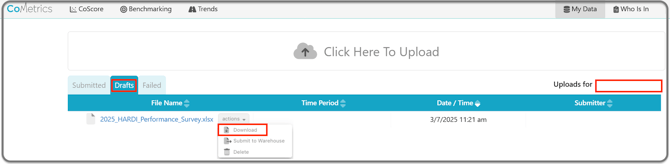
- If you have access to upload data for more than one company, use the "Uploads for" dropdown on the right hand side, to pick the company you want to submit for. See notes below on submitting for multiple companies or locations.
- Click on the "Drafts" folder to find your pre-populated 20XX_HARDI Performance_Survey.xlsx file.
- Use the "Actions" dropdown to download the file.
How to fill out your Annual Benchmarking Survey:
- Fill out the fields with a red tick mark, and review/edit the pre-populated data.
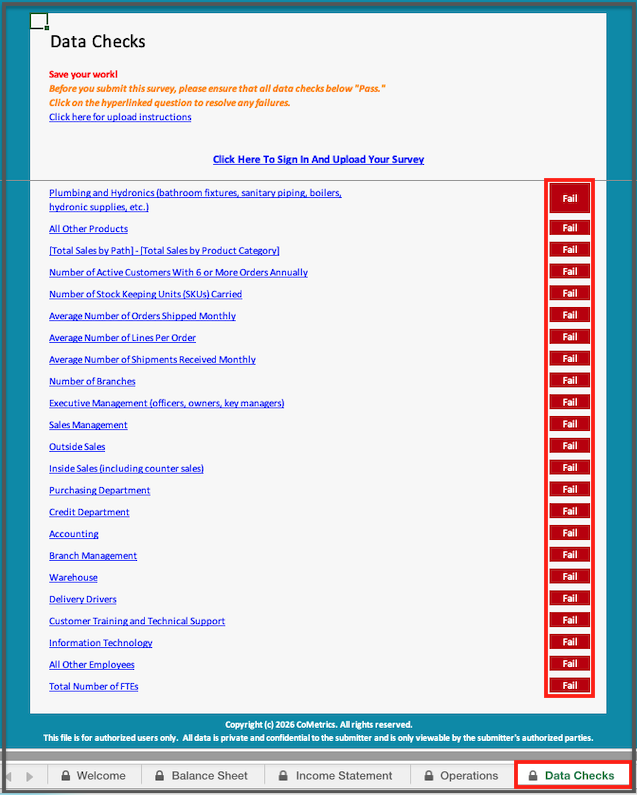
- Review the "Data Checks" tab, and correct any fields in red.
- Save the file to your computer
- Upload the file to your CoMetrics account.
How to submit your Annual Benchmarking Survey:
- Login to your CoMetrics account.
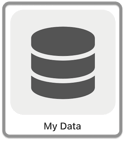
- Click on "My Data"
- Click on the "HARDI Annual Benchmarking Survey" icon.
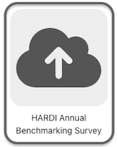
- If ABS and TRENDS are the only products you have permissions to upload data for, you will not see this option, and will be taken directly to the next step.
- Click on "Click here to upload".

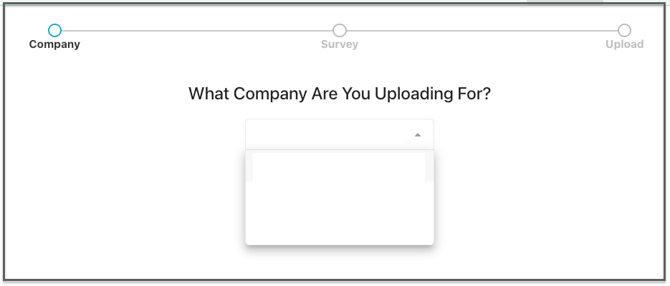
- Note: If you have access to more than one company, you will need to select it in a dropdown before the next step (See notes below on submitting for multiple companies).
- Drag & drop, or upload your file, and click Next.
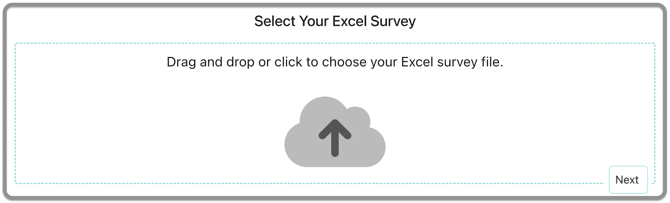
- Choose to "submit your file to the warehouse", or save the draft, and click Upload to complete the submission.

- You will receive a confirmation email once the survey is processed in our warehouse, or if there was an issue in processing it.
What if I Submit for Multiple Regions or Companies?
Each company is allowed one submission for the HARDI ABS. If your company has multiple outlets or regions, please compile your data and submit at the company level.
If you have access to upload for multiple companies, please send one file for each. Select the appropriate company from the drop-down menus
Have questions? Send us an email to support@cometrics.com. We're happy to help!